AI Tools for 3D Modeling
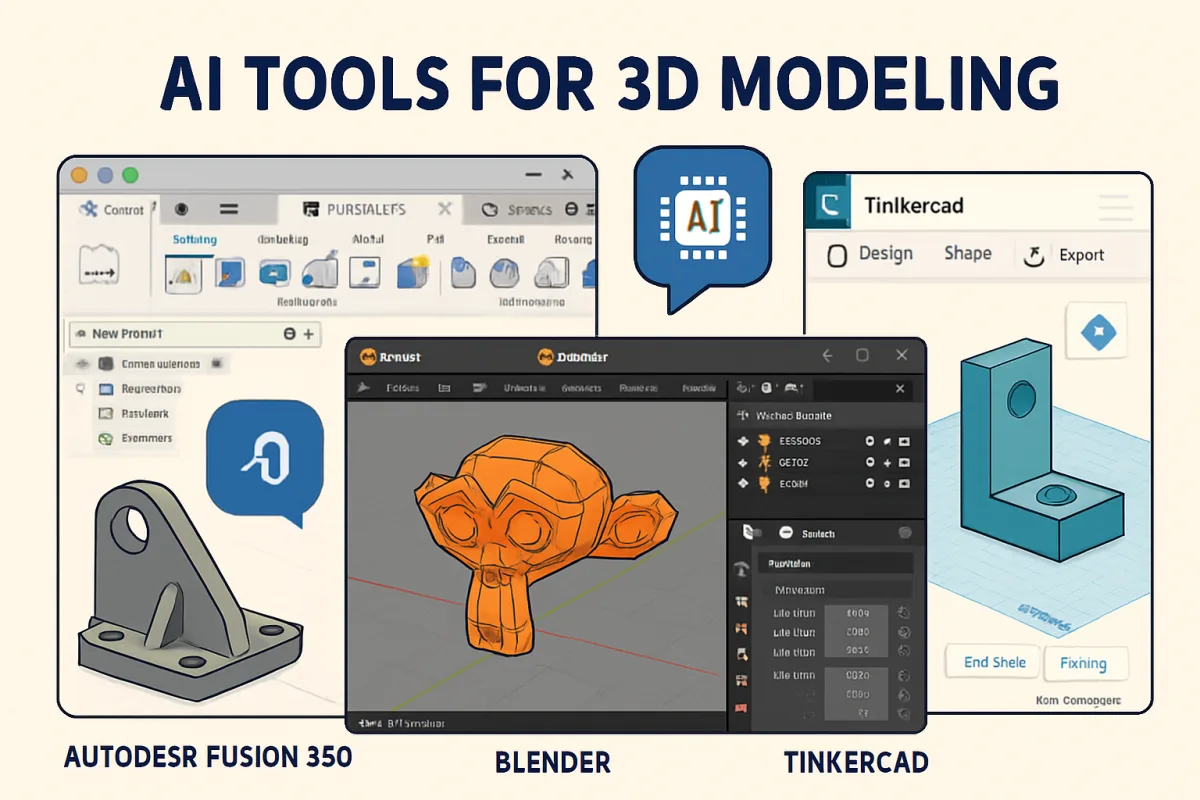
AI tools for 3D modeling enhance creativity and efficiency in design processes. Notable options include Autodesk's Fusion 360, which integrates CAD, CAM, and CAE in a single platform, making it ideal for professionals. Blender, an open-source tool, offers extensive features for modeling, animation, and rendering, suitable for both beginners and experts. For those seeking cloud-based solutions, Tinkercad provides an intuitive interface for quick designs, perfect for educational purposes and hobbyists.
Quick Summary
Explore top AI tools for 3D modeling, including Autodesk Fusion 360, Blender, and Tinkercad. Each tool caters to different user needs, from professional design to educational use, enhancing creativity and productivity in 3D projects.
Curator Notes
The landscape of 3D modeling is rapidly evolving with the integration of AI tools that streamline workflows and enhance creative possibilities. Autodesk Fusion 360 stands out by combining CAD, CAM, and CAE functionalities, making it a comprehensive solution for professionals in engineering and product design. Its cloud-based capabilities allow for real-time collaboration, which is a significant advantage for teams working on complex projects.
Blender is another powerful option, particularly known for its versatility and extensive community support. As an open-source platform, it offers a wide range of features from modeling to animation and rendering. This makes it suitable for both beginners and seasoned professionals looking to create high-quality 3D content.
Additionally, Tinkercad serves as an excellent entry point for those new to 3D modeling. Its user-friendly interface and educational resources make it ideal for students and hobbyists, allowing users to create simple designs quickly and efficiently. These tools not only cater to different skill levels but also address various project requirements, ensuring that users can find a solution that fits their specific needs.
Recommended Options
- Autodesk Fusion 360: Best for Professional designers and engineers Integrates CAD, CAM, and CAE functionalities for comprehensive design. Signal checked: Widely used in industry with strong user reviews. Alternative to consider: SolidWorks for more traditional CAD workflows.
- Blender: Best for Artists and animators looking for a versatile tool Open-source with extensive features and a supportive community. Signal checked: Highly rated in creative industries and educational settings. Alternative to consider: Maya for advanced animation capabilities.
- Tinkercad: Best for Beginners and educational purposes User-friendly interface ideal for quick designs. Signal checked: Popular in schools and among hobbyists. Alternative to consider: SketchUp for more architectural designs.
Best Sources
Videos and Community Signals
Quick Links & Resources: • Meshy AI: https://makerverse.short.gy/MeshyAI • Ideogram: https://makerverse.short.gy/Ideogram ...
Learn how to create 3D animated models using AI—quickly and without complex software. This tutorial covers the best AI tools to ...
Comparison
| Decision Point | Good Starting Choice | When to Go Further |
|---|---|---|
| User Skill Level | Tinkercad for beginners and educational use. | Fusion 360 for professionals needing advanced features. |
| Collaboration Features | Tinkercad for simple sharing. | Fusion 360 for real-time collaboration in teams. |
| Cost | Tinkercad is free to use. | Fusion 360 offers subscription plans with extensive features. |
FAQ
Tinkercad is the best choice for beginners due to its intuitive interface and educational resources.
Yes, Blender is widely used in the industry for professional 3D modeling, animation, and rendering.
Absolutely, Fusion 360's cloud-based features allow for real-time collaboration among team members.