How to Find Clients on LinkedIn
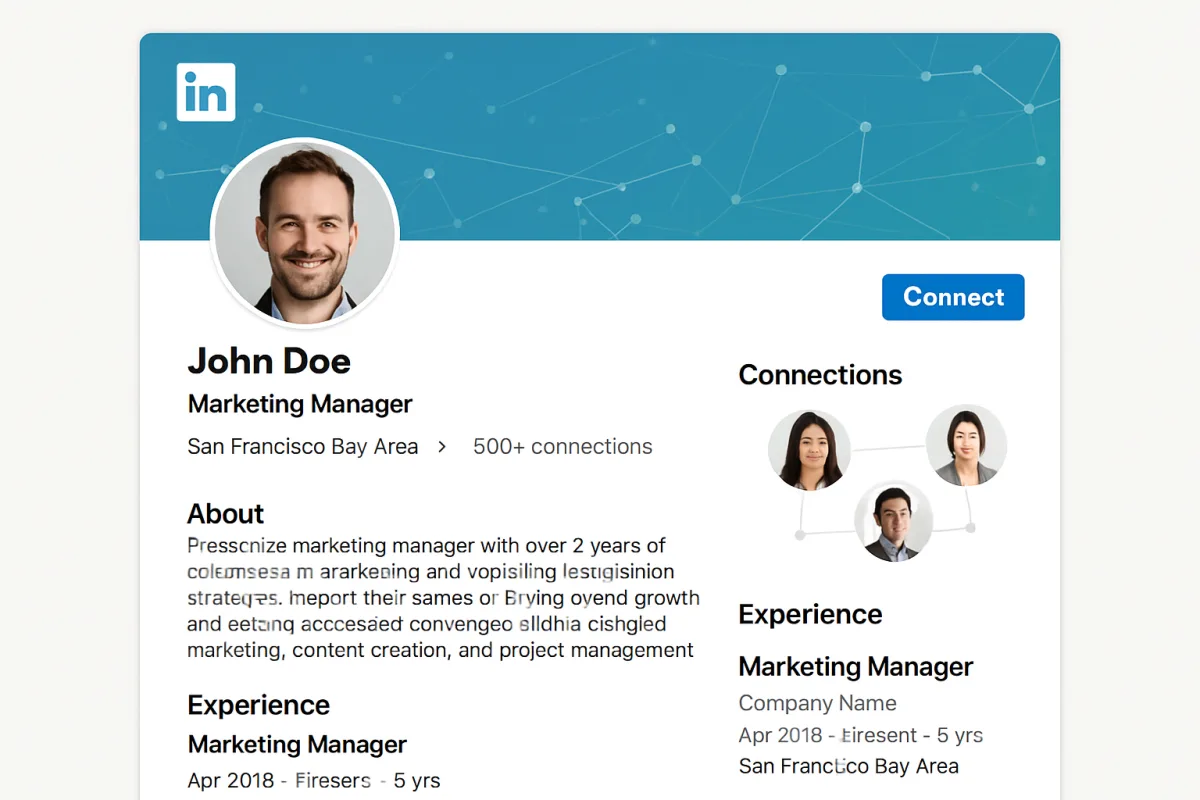
To find clients on LinkedIn, start by optimizing your profile to showcase your expertise and services. Use a professional photo and a compelling headline. Next, leverage LinkedIn's search filters to identify potential clients based on industry, location, and job title. Engage with your network by sharing valuable content and participating in relevant groups. Consider using LinkedIn's InMail feature to reach out directly to prospects. Building relationships through personalized messages can significantly increase your chances of converting leads into clients.
Quick Summary
Finding clients on LinkedIn requires a strategic approach. Begin by enhancing your profile to reflect your professional brand, making it easier for potential clients to find you. Utilize LinkedIn's advanced search tools to pinpoint your target audience, and actively engage with your connections through valuable content and discussions. Direct outreach via personalized messages can also be effective. By following these steps, you can effectively grow your client base on this professional networking platform.
Curator Notes
Optimizing your LinkedIn profile is the first step to attracting clients. Ensure your profile photo is professional and your headline clearly states what you offer. A well-crafted summary that highlights your skills and experiences can also draw attention.
Consider including keywords relevant to your industry to improve search visibility. Next, utilize LinkedIn's advanced search features. You can filter searches by industry, location, and job title, which helps you identify potential clients who fit your target demographic.
Save your searches and set alerts for new profiles that match your criteria. Engagement is crucial on LinkedIn. Share insightful articles, comment on posts, and participate in discussions within relevant groups.
This not only showcases your expertise but also increases your visibility among potential clients. Regularly updating your network with valuable content can position you as a thought leader in your field. Direct outreach is another effective strategy.
Use LinkedIn's InMail feature to send personalized messages to prospects. A tailored message that addresses their specific needs or challenges can significantly enhance your chances of a positive response. Avoid generic pitches; instead, focus on building a connection.
Networking with existing connections can also lead to client referrals. Don’t hesitate to ask for introductions to potential clients within your network. Building relationships is often more effective than cold outreach.
Lastly, consider leveraging LinkedIn's advertising options if your budget allows. Sponsored content and targeted ads can help you reach a wider audience and generate leads. However, ensure that your ads are well-crafted and provide value to the viewer to avoid coming off as overly promotional.
Recommended Options
- LinkedIn Premium: Best for Professionals seeking advanced networking tools Offers InMail messaging and advanced search capabilities. Signal checked: Widely used by recruiters and sales professionals. Alternative to consider: Free LinkedIn account with limited features.
- Canva: Best for Creating visually appealing LinkedIn posts Signal checked: Popular among marketers for social media content. Alternative to consider: Adobe Spark for more advanced features.
- Hootsuite: Best for Scheduling and managing LinkedIn posts Signal checked: Trusted by businesses for social media strategy. Alternative to consider: Buffer for simpler scheduling options.
Best Sources
Videos and Community Signals
I closed $2.8 million from LinkedIn in 2024. Here are the 3 exclusive tactics I used to land high-ticket clients using LinkedIn and ...
Here's how to get your first B2B client in one week Now, the first step you're gonna do is you're gonna take the world you come ...
Comparison
| Decision Point | Good Starting Choice | When to Go Further |
|---|---|---|
| Profile Optimization | Complete profile with basic information. | Fully optimized with keywords and a compelling summary. |
| Networking Strategy | Connect with existing contacts. | Engage in groups and share valuable content regularly. |
| Outreach Method | Send connection requests. | Use personalized InMail messages for direct outreach. |
FAQ
Aim for at least once a week to maintain visibility without overwhelming your connections.
If you're actively seeking clients or job opportunities, the advanced features can provide significant advantages.
Share industry insights, case studies, and personal experiences to engage your audience.