How to Run a Webinar That Sells
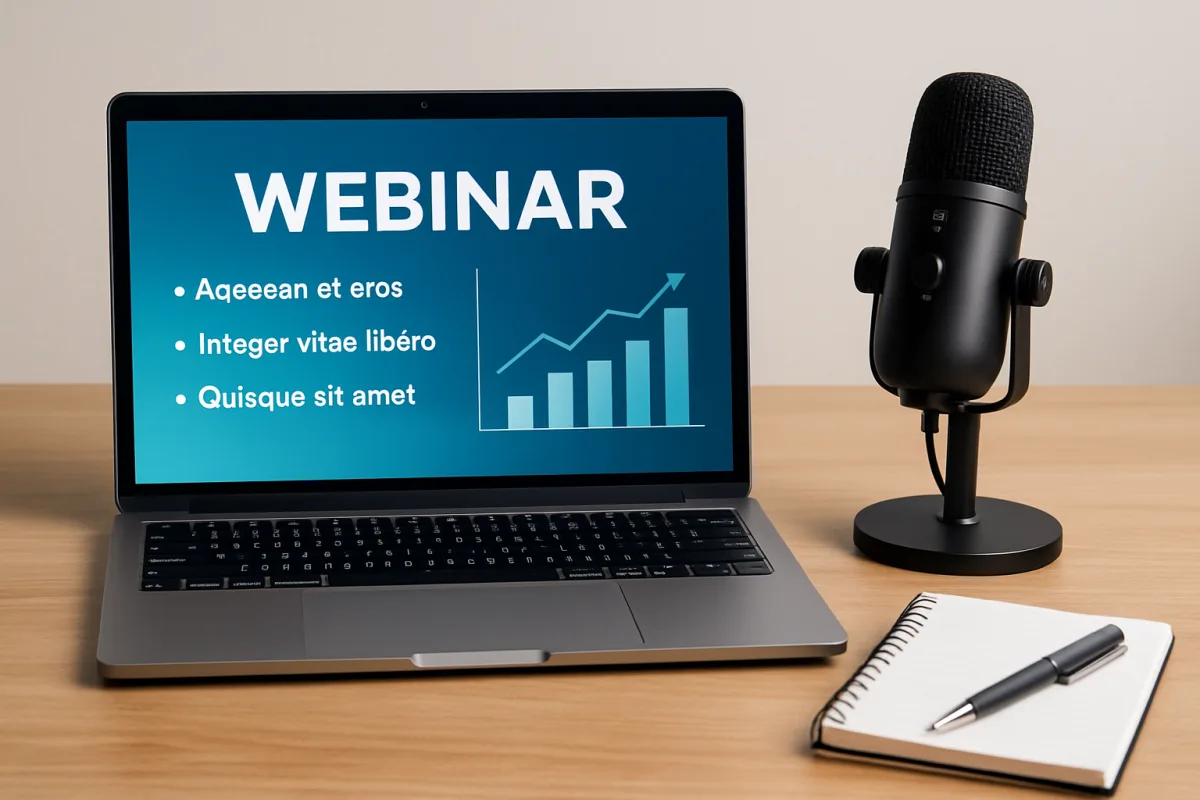
Running a successful webinar that sells requires careful planning and execution. Start by defining your target audience and crafting a compelling topic that addresses their needs. Use engaging visuals and interactive elements to keep participants interested. Promote your webinar through multiple channels, including social media and email marketing, to maximize attendance. Finally, ensure you have a strong call to action and follow up with attendees to convert interest into sales.
Quick Summary
To run a webinar that effectively sells, focus on understanding your audience and delivering valuable content. Choose a relevant topic that resonates with potential customers, and employ engaging visuals and interactive elements to maintain interest. Promote your event widely to ensure good attendance, and always include a clear call to action. Following up with attendees can significantly boost conversion rates, turning interest into sales.
Curator Notes
Understanding your audience is the cornerstone of a successful webinar. Identify who your ideal participants are and what challenges they face. This insight will guide your content creation, ensuring it resonates with their needs and interests.
A well-defined target audience helps in crafting messages that speak directly to them, increasing engagement and the likelihood of sales. The topic of your webinar should be compelling and relevant. Consider current trends, common pain points, or emerging interests within your niche.
A strong topic not only attracts attendees but also positions you as an authority in your field. Use tools like Google Trends or social media polls to gauge interest in potential topics before finalizing your choice. Visuals play a crucial role in keeping your audience engaged.
Use high-quality slides, infographics, and videos to illustrate key points. Interactive elements, such as polls or Q&A sessions, can also enhance engagement, making participants feel involved rather than passive listeners. This interaction can lead to a more memorable experience and increase the chances of conversion.
Promotion is vital for maximizing attendance. Utilize various channels such as email newsletters, social media platforms, and even partnerships with influencers in your industry. Create a sense of urgency with limited-time offers or early bird registrations.
The more people know about your webinar, the higher the chances of a successful turnout. During the webinar, ensure you have a clear call to action. Whether it's signing up for a service, purchasing a product, or scheduling a consultation, make it easy for attendees to take the next step.
Highlight the benefits they will receive by acting promptly, and consider offering exclusive deals for attendees as an incentive. Post-webinar follow-up is often overlooked but can be a game-changer. Send thank-you emails, share a recording of the webinar, and include additional resources or offers.
This not only shows appreciation but also keeps the conversation going, increasing the likelihood of converting interest into sales. Finally, analyze the performance of your webinar. Gather feedback through surveys and assess metrics such as attendance rates and engagement levels.
This data will help you refine your approach for future webinars, ensuring continuous improvement and better results over time.
Recommended Options
- Zoom: Best for Businesses looking for reliable video conferencing Zoom offers robust features like breakout rooms and polls, enhancing interactivity. Signal checked: Widely used with high user satisfaction ratings. Alternative to consider: Webex for larger corporate needs.
- GoToWebinar: Best for Marketers needing detailed analytics Provides comprehensive reporting tools to track attendee engagement. Signal checked: Strong reputation in the marketing community. Alternative to consider: Demio for a more user-friendly interface.
- EverWebinar: Best for Automating webinars for passive income Allows you to create evergreen webinars that run automatically. Signal checked: Popular among online course creators. Alternative to consider: WebinarJam for live and automated options.
Best Sources
Videos and Community Signals
Want to SCALE your business and audience? Go here: https://fos.now/yt-apply-10 Want to LEARN proven systems to grow your ...
I'm an ex-creator and business owner who did 7-figures in digital product (online course) sales My company Ambivon now works ...
Comparison
| Decision Point | Good Starting Choice | When to Go Further |
|---|---|---|
| Audience Engagement Tools | Basic chat and Q&A features | Interactive polls and breakout rooms |
| Analytics and Reporting | Basic attendance tracking | In-depth engagement metrics and follow-up tools |
| Ease of Use | User-friendly interface for quick setup | Advanced features for professional presentations |
FAQ
Zoom and GoToWebinar are top choices, offering various features tailored for engagement and analytics.
Aim for 45-60 minutes to maintain attention, with time for Q&A at the end.
Use social media, email marketing, and partnerships to reach a broader audience.