SSDs for Everyday Users Compared
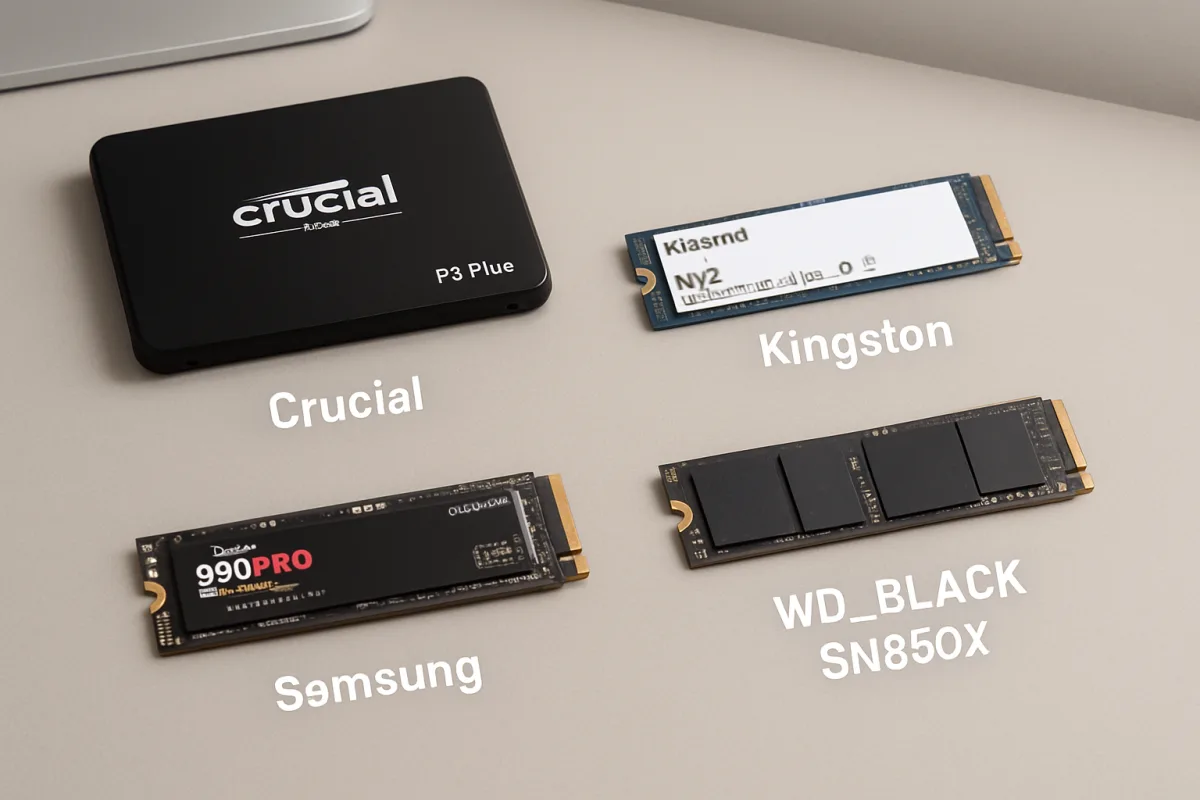
When choosing SSDs for everyday users, consider options like the Samsung 970 EVO Plus, Crucial MX500, and Western Digital Blue 3D NAND. The Samsung 970 EVO Plus is ideal for gamers and content creators due to its high speed and reliability. The Crucial MX500 offers great value for general use with solid performance and affordability. The Western Digital Blue 3D NAND is perfect for those seeking a balance between performance and price, making it suitable for everyday tasks.
Quick Summary
This guide compares SSDs tailored for everyday users, highlighting key options like the Samsung 970 EVO Plus, Crucial MX500, and Western Digital Blue 3D NAND. Each SSD is evaluated based on performance, price, and suitability for different user needs.
Curator Notes
Solid State Drives (SSDs) have become essential for everyday computing, offering faster boot times and improved application performance compared to traditional hard drives. When selecting an SSD, it's important to consider factors like speed, capacity, and price. For everyday users, the balance between these elements can significantly enhance the overall computing experience.
The Samsung 970 EVO Plus stands out for its exceptional speed and reliability, making it a favorite among gamers and professionals who require high performance. It features NVMe technology, which allows for faster data transfer rates compared to SATA SSDs. On the other hand, the Crucial MX500 is a great choice for general users seeking a budget-friendly option without sacrificing performance.
It provides solid read and write speeds, making it suitable for everyday tasks like web browsing and document editing. Lastly, the Western Digital Blue 3D NAND offers a good compromise between performance and price, making it an excellent choice for users who want reliable storage for everyday applications without breaking the bank. Each of these SSDs has unique strengths, so understanding your specific needs will help you make the best choice.
Recommended Options
- Samsung 970 EVO Plus: Best for Gamers and content creators High speed and reliability with NVMe technology. Signal checked: Highly rated for performance in gaming and professional tasks. Alternative to consider: Samsung 980 PRO for even higher performance.
- Crucial MX500: Best for General everyday users Affordable with solid performance for daily tasks. Signal checked: Popular choice among budget-conscious consumers. Alternative to consider: SanDisk SSD Plus for a similar price point.
- Western Digital Blue 3D NAND: Best for Users seeking a balance of performance and price Reliable performance for everyday applications. Signal checked: Well-reviewed for its value in consumer storage. Alternative to consider: Kingston A2000 for a budget NVMe option.
Best Sources
Videos and Community Signals
Links to the Best External SSDs 2026 are listed below. • Samsung Portable SSD T9 - https://amzn.to/49tkjyH • Samsung Portable ...
How fast are Solid State Drives? The FASTEST NVME SSD: https://geni.us/B7IN ✨ 2 Months Free of Artlist on an Annual Plan: ...
Comparison
| Decision Point | Good Starting Choice | When to Go Further |
|---|---|---|
| Speed | Crucial MX500 for everyday use. | Samsung 970 EVO Plus for gaming and heavy tasks. |
| Price | Crucial MX500 for budget-friendly options. | Western Digital Blue 3D NAND for a balance of cost and performance. |
| Capacity | 500GB Crucial MX500 for basic needs. | 1TB Samsung 970 EVO Plus for larger applications. |
FAQ
SATA SSDs are slower and use the SATA interface, while NVMe SSDs connect via PCIe, offering significantly faster data transfer rates.
Consider your storage needs based on the applications you use. For general use, 500GB is often sufficient, while gamers and content creators may require 1TB or more.