Time Blocking for Busy People
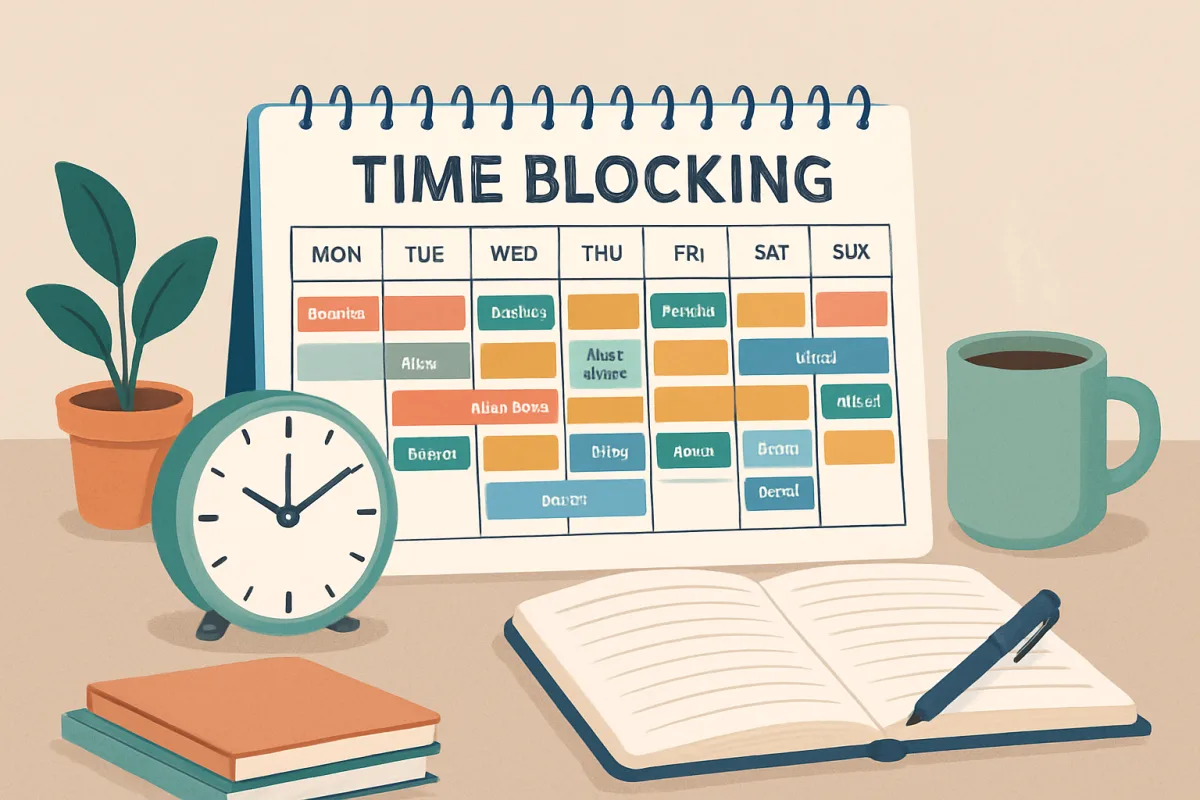
Time blocking is a powerful productivity technique that helps busy individuals manage their time effectively by allocating specific blocks for tasks throughout the day. This method allows for focused work periods, reducing distractions and enhancing productivity. To implement time blocking, start by identifying your most important tasks, then schedule dedicated time slots for each task in your calendar. This approach not only helps prioritize work but also creates a visual representation of your day, making it easier to stay on track. Consider using digital tools like Google Calendar or specialized apps like Todoist to streamline the process.
Quick Summary
Busy individuals can significantly enhance their productivity through time blocking, a method that involves scheduling specific time slots for tasks. By clearly defining when to work on each task, you can minimize distractions and maintain focus. Start by listing your priorities and allocating time blocks in your calendar. Tools like Google Calendar or Todoist can assist in managing these blocks effectively. This structured approach not only helps in task completion but also provides a clearer overview of your day, making it easier to adjust as needed.
Curator Notes
Time blocking is an effective strategy for busy people looking to maximize their productivity. By allocating specific time slots for each task, you create a structured approach to your day that minimizes distractions and enhances focus. This method is particularly beneficial for those juggling multiple responsibilities, as it allows for clear prioritization of tasks and a visual representation of your schedule.
To begin with time blocking, identify your most important tasks for the day. This could include work-related projects, personal errands, or even downtime for self-care. Once you have your list, estimate how much time each task will require and allocate specific blocks in your calendar.
This not only helps you stay organized but also encourages you to commit to completing tasks within the designated time. One of the key advantages of time blocking is its flexibility. If a task takes longer than expected, you can adjust your schedule accordingly.
However, it’s crucial to remain disciplined and stick to your time blocks as closely as possible to maintain productivity. This method also helps in reducing the anxiety that often comes with a long to-do list, as you can visually see what you need to accomplish within the day. Digital tools can enhance the time blocking experience.
Applications like Google Calendar allow you to set reminders and color-code tasks, making it easier to distinguish between different types of activities. Alternatively, apps like Todoist or Trello offer more robust task management features, allowing you to track progress and deadlines. While time blocking can significantly improve productivity, it’s essential to recognize potential pitfalls.
Over-scheduling can lead to burnout, so it’s important to leave some buffer time between tasks. Additionally, be mindful of the need for breaks; incorporating short breaks into your schedule can help maintain focus and energy throughout the day. In conclusion, time blocking is a practical method for busy individuals seeking to enhance their productivity.
By structuring your day around dedicated time slots for tasks, you can reduce distractions, prioritize effectively, and gain a clearer understanding of your daily goals. With the right tools and a commitment to the process, time blocking can transform how you manage your time and responsibilities.
Recommended Options
- Google Calendar: Best for Individuals looking for a free, user-friendly scheduling tool. Integrates seamlessly with other Google services and allows for easy sharing. Signal checked: Widely used with millions of active users. Alternative to consider: Microsoft Outlook Calendar
- Todoist: Best for Users who want a robust task management system with time blocking features. Offers project organization and task prioritization. Signal checked: Highly rated on productivity app lists and user reviews. Alternative to consider: Asana
- Trello: Best for Teams needing visual task management and collaboration. Uses boards and cards for a clear visual representation of tasks. Signal checked: Popular among project management tools with a strong user base. Alternative to consider: ClickUp
Best Sources
Videos and Community Signals
When I first started my Youtube channel, I struggled hard to balance my full-time job with this new side gig. In this video, I share ...
I am currently employed at a 50-60 hour per week engineering job, a current graduate student, prepping for a powerlifting ...
Comparison
| Decision Point | Good Starting Choice | When to Go Further |
|---|---|---|
| Task Management | Simple to-do list for daily tasks. | Integrated project management with collaboration features. |
| Integration | Basic calendar functions. | Seamless integration with other productivity tools. |
| User Interface | Straightforward and easy to navigate. | Customizable dashboards for complex project tracking. |
FAQ
Time blocking is a productivity technique where you allocate specific time slots for tasks throughout your day.
Begin by listing your tasks, estimating the time needed for each, and then scheduling them into your calendar.
Yes, flexibility is key. If a task takes longer than expected, adjust your schedule as needed.